 agentlinkops
Link rot: why backlinks decay and how to catch it
Link rot removes backlinks as pages move, change or disappear. See how often it happens, how it affects the links you earn and how to monitor for it.
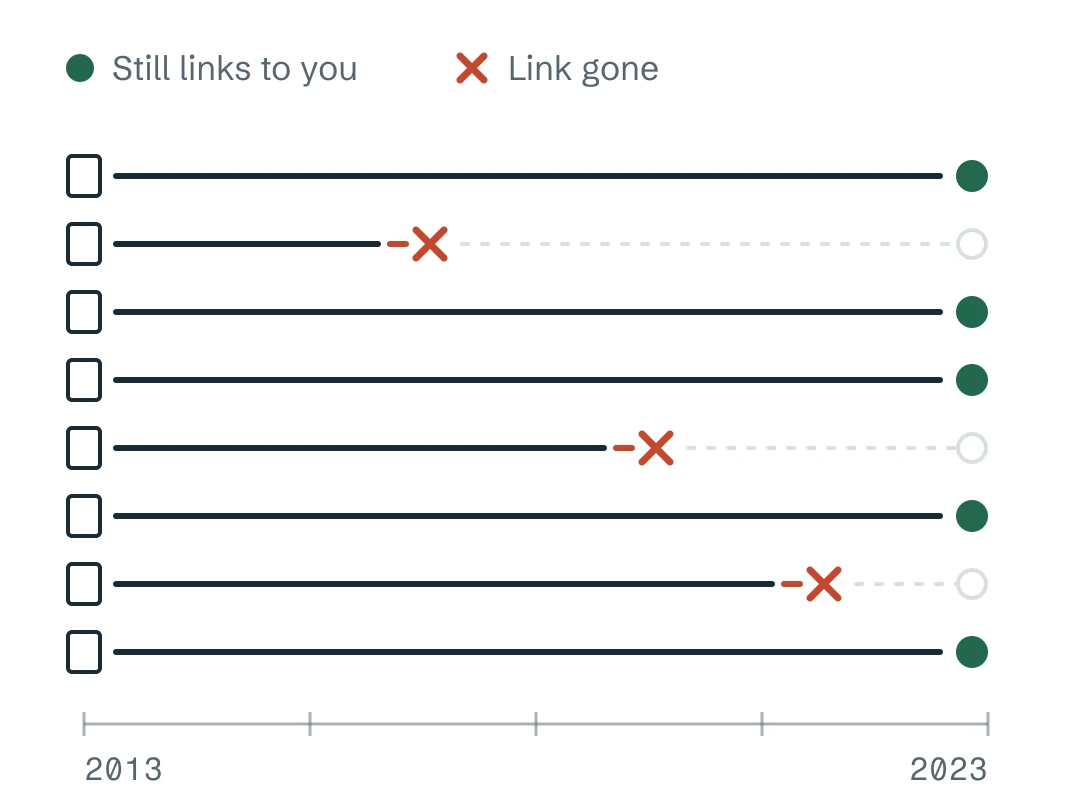
Link rot happens when pages move, disappear or change and their links stop working or vanish. An earned backlink can fail because the publisher changes its page or because your destination stops serving readers.
How common link rot is
Pew Research Center's 2024 study found that 38% of webpages from 2013 were inaccessible a decade later. About a quarter of pages that existed between 2013 and 2023 were gone. At least one broken link appeared on 23% of news pages and 21% of government pages. These are web-wide findings, not a measured loss rate for your backlinks.
How much of the web had gone by October 2023
No longer accessible
At least one broken link on the page
Two ways link rot hits your backlinks
The source changes. A publisher deletes or moves an article, or rewrites it without your link. A removed reference is a lost backlink; a deleted source cannot carry it.
Your destination changes. An old URL may return an error even while the source's hyperlink remains. That is a broken backlink you may be able to repair.
Three places an earned link can break
- 1The publisher deletes or moves the source page. Your link goes with it.Publisher
- 2The publisher rewrites the page without your link. That is a lost backlink.Publisher
- 3Your URL returns an error. The publisher's link stays, but it is now a broken backlink.You
Prevent the half you control
When moving a page, use a permanent server-side redirect where possible, as Google recommends. Before retirement, check incoming links and choose a useful replacement or ask publishers to update their destinations. A redirect needs to resolve to the intended resource to preserve the visitor's route.
Catch the changes you don't control
A deleted publisher page, an edited hyperlink and your own failing destination are separate events, and each one needs a different fix. Checking your earned links on a schedule tells you which one happened and when. Keep the last complete check beside the latest attempt, so a blocked request never erases what you knew. The free backlink checker checks one page on demand.
When a resource disappears
A permanent redirect helps when a moved page has a meaningful replacement. Redirecting an old worksheet to an unrelated signup page leaves the reader's task unfinished, even if the server returns success.
The research supports planning for change. The right response depends on what failed and what useful resource remains.
Sources (2)
- When Online Content Disappears · Pew Research Center · 2024-05-17
- Redirects and Google Search · Google Search Central · 2026-04-14